Cancellation
- Customers choose a reason from your list (plus “Other”) and can add details. Your cancellation policy can be shown above the button.
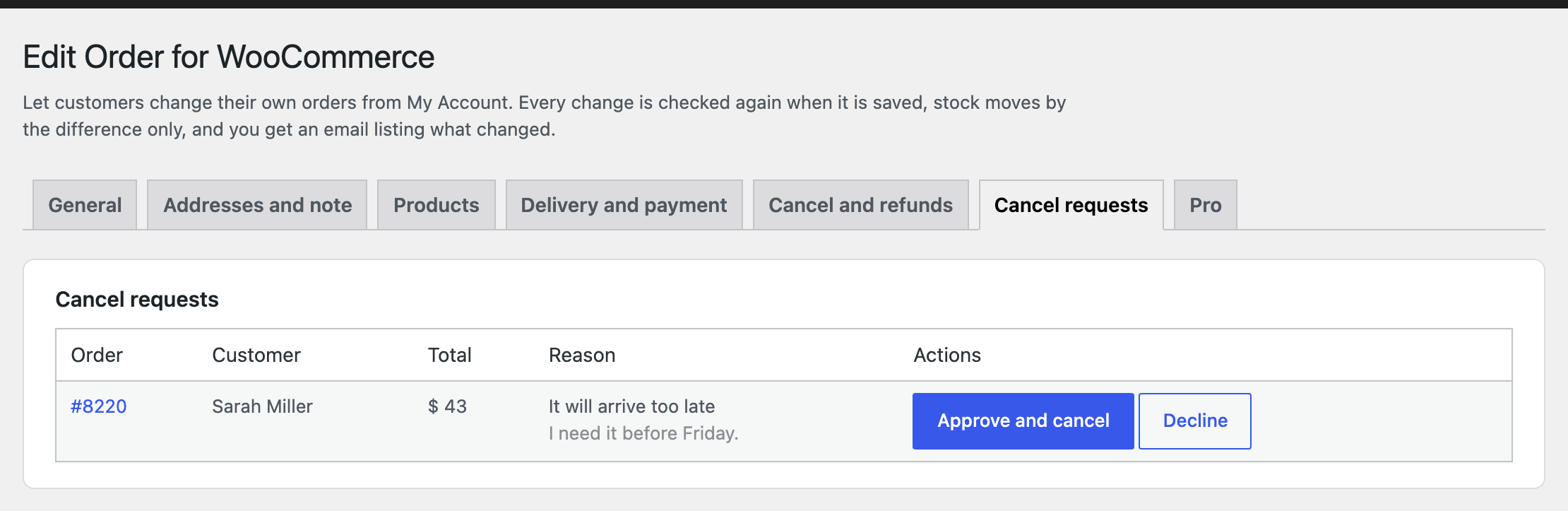
- Approval mode: you get an email and approve or decline from the order screen or the “Cancel requests” list. Declining can include a message.
- Instant mode: the order is cancelled right away and anything paid is refunded automatically.
- Stock goes back to your shop. Price differences paid separately are refunded too.
Guests
Orders placed without an account get a secure link in the order email and on the thank-you page. The guest confirms the billing email once, then can edit or cancel that order only. Failed attempts are limited.
Emails
| Sent to | When | |
|---|---|---|
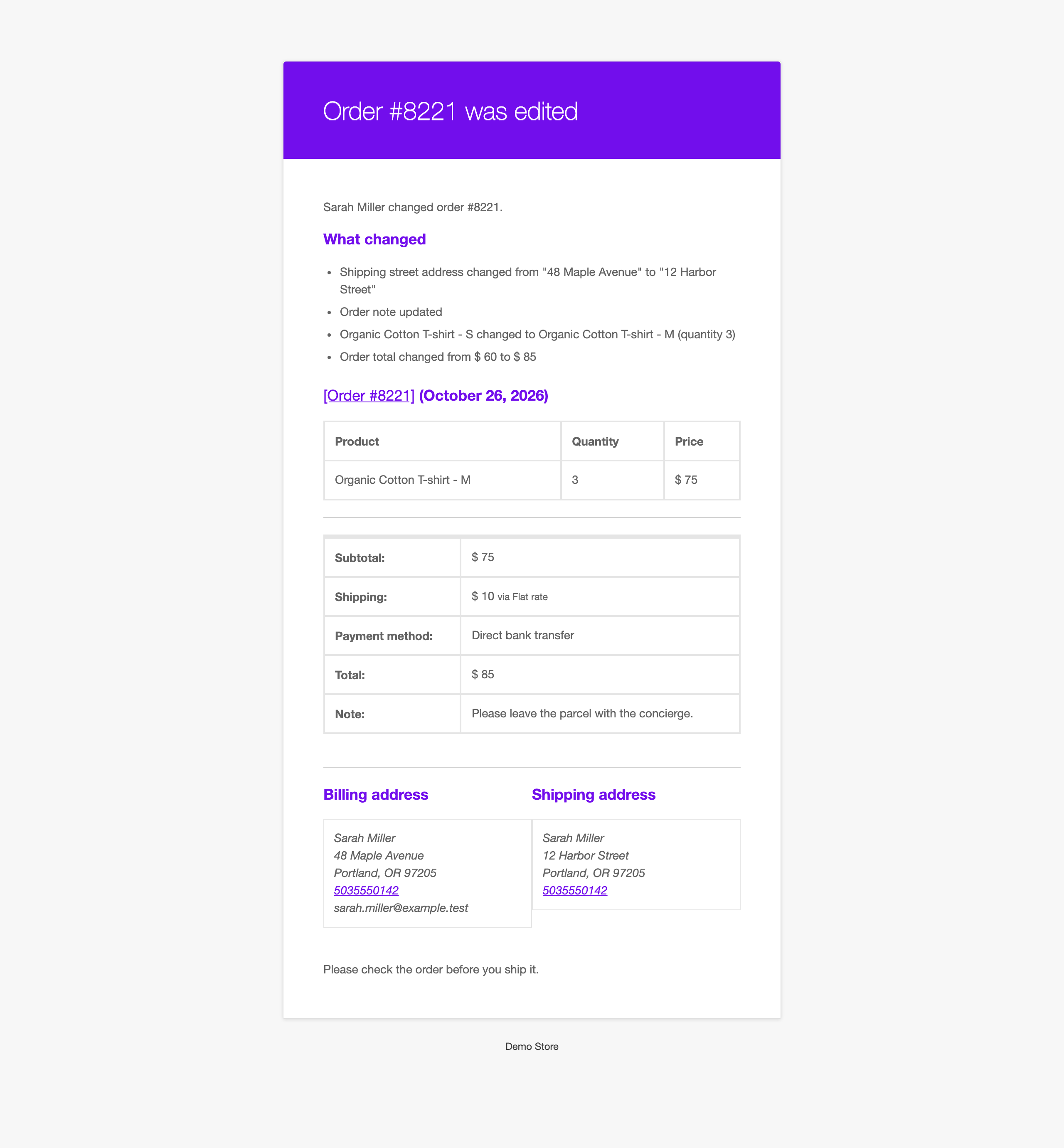
| Order edited by customer | Store | A customer saves changes, with the full list of changes |
| Order updated | Customer | After their change is saved |
| Cancellation requested | Store | A customer asks to cancel |
| Order cancelled | Customer | The cancellation is done, with refund details |
| Cancellation declined | Customer | You decline the request, with your message |
| Price difference to pay | Customer | A change to a paid order costs more, with a payment link |
| Manual refund needed | Store | The payment method cannot refund automatically |
All are normal WooCommerce emails: turn them on or off and change the recipients, subject and text in WooCommerce, Settings, Emails.