
GPSR Compliance Pro is a separate plugin that runs on top of the free plugin. Install both. Everything below appears once Pro is active.
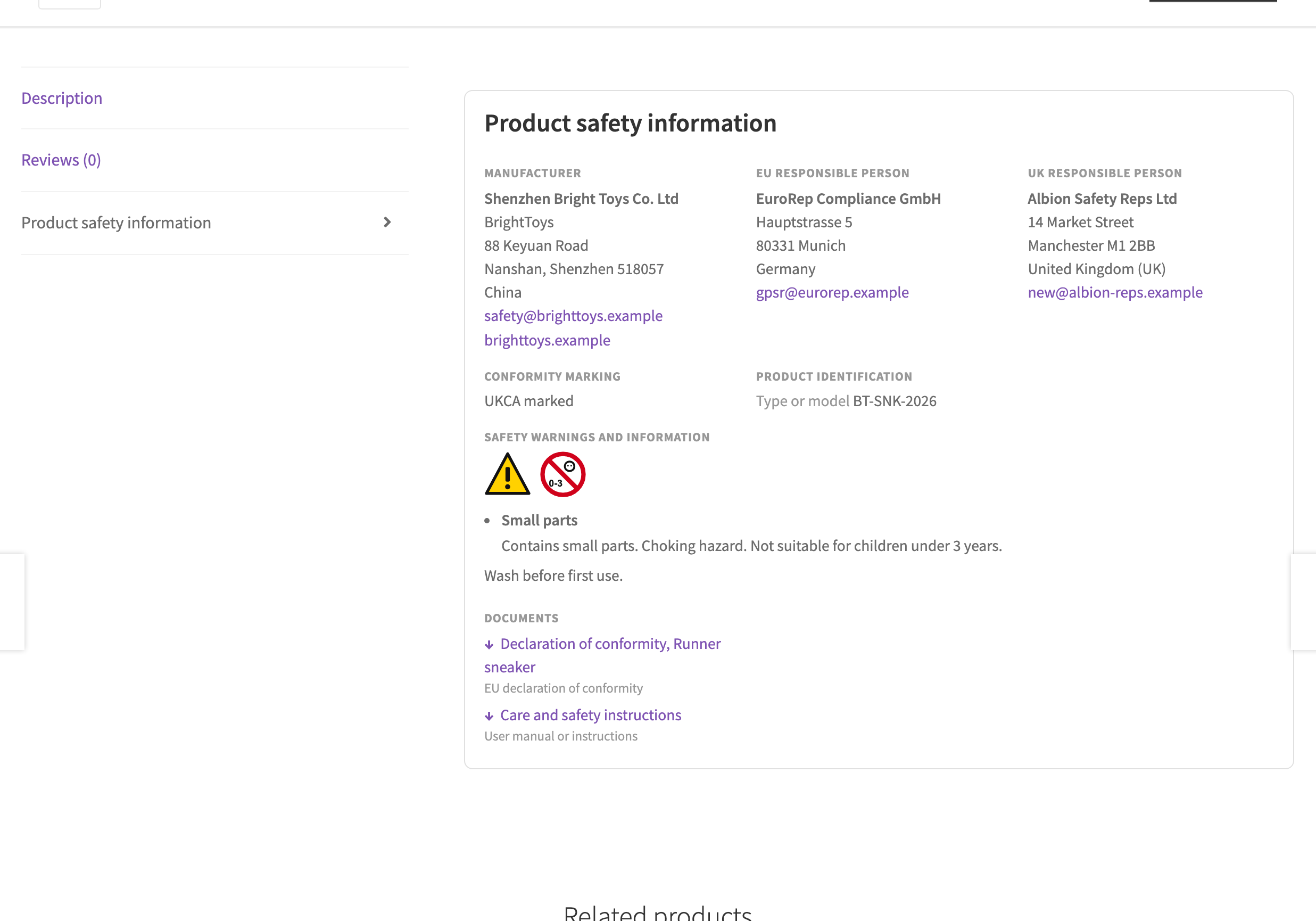
Safety documents
WooCommerce, GPSR, Documents. Save a declaration of conformity, manual, safety data sheet or certificate once, as a file or a link, with an issue date and an expiry date. Attach documents to a product, a brand or a category. Public documents show as download links.
Outdated documents
Add “At least one safety document” to the required fields and products without a current document are flagged. A document counts as outdated after its expiry date, or a set number of months after it was issued.

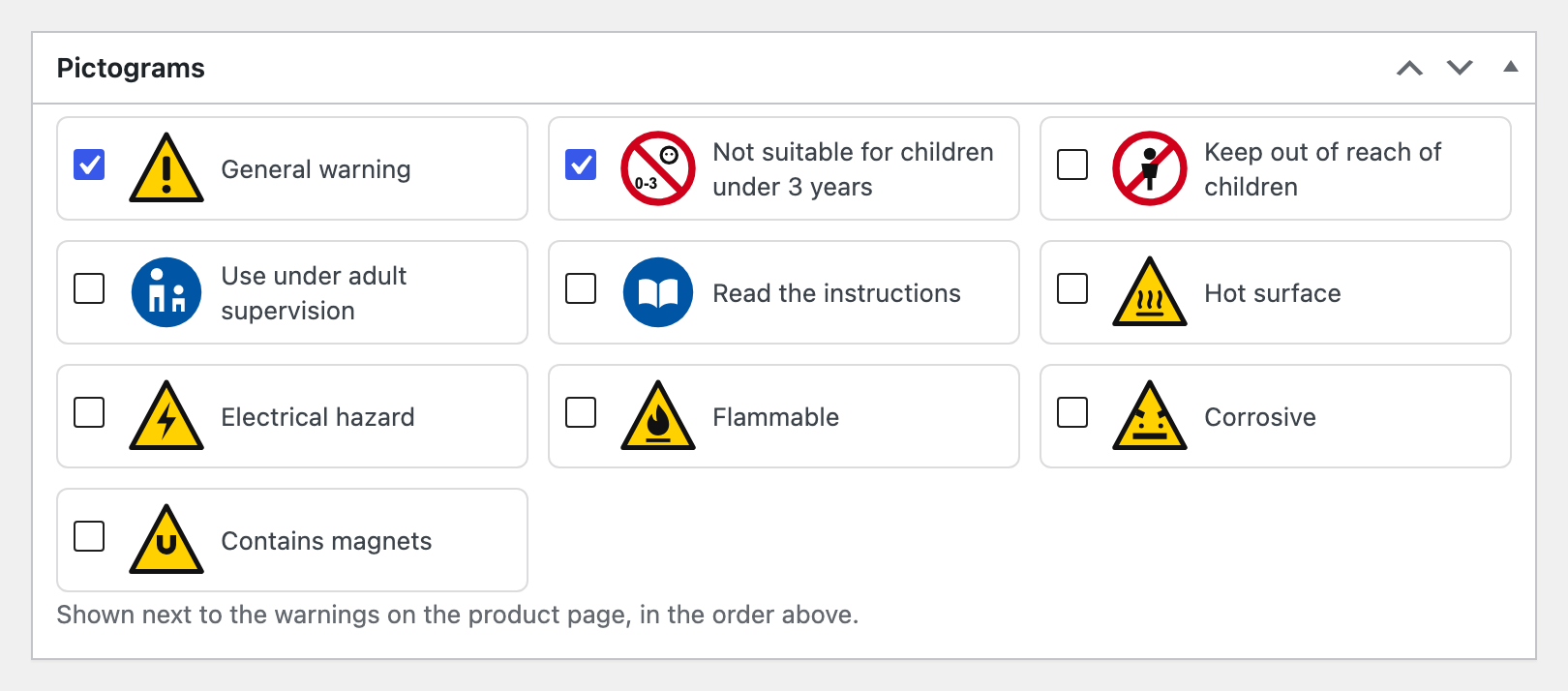
Starter warnings, languages and Great Britain
Multilingual
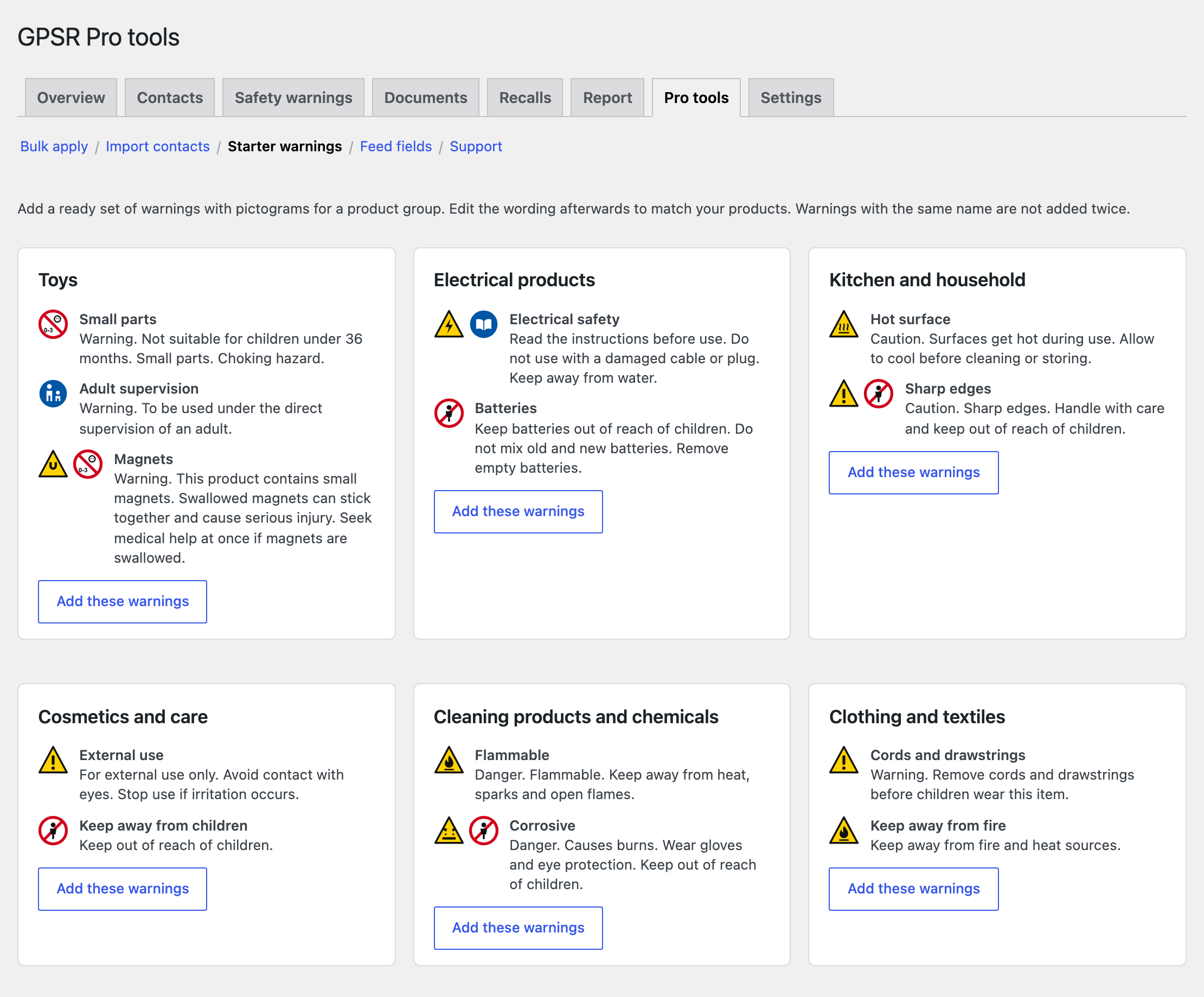
With WPML or Polylang, warnings, documents and recalls become translatable and shoppers see the version in their language. Contacts stay the same in every language. A wpml-config.xml file is included.
Great Britain
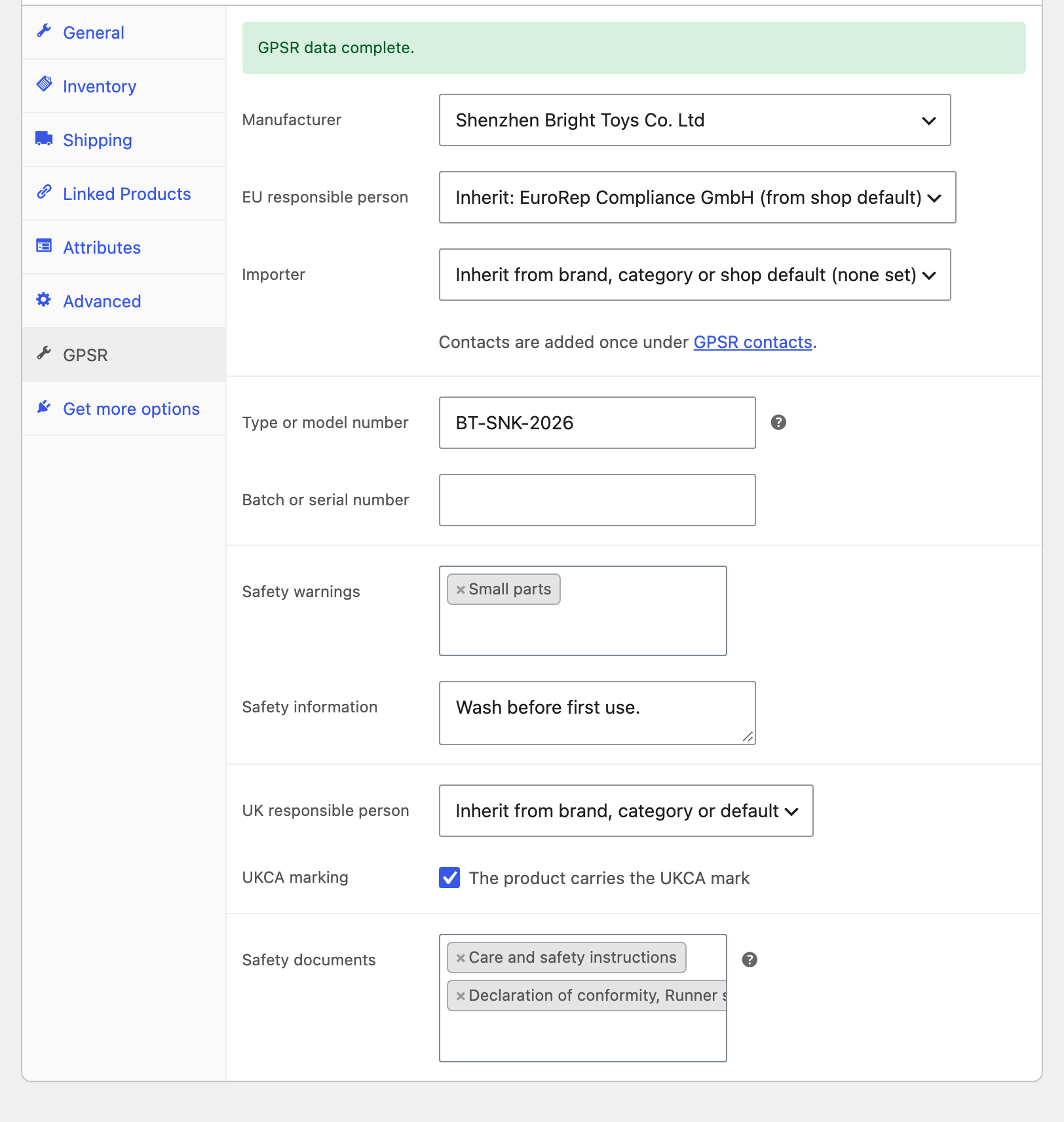
Turn on UK fields to add a UK responsible person contact role and a UKCA marking checkbox. Set them on products, brands, categories or as a default.
The product editor
Order emails and packing slips
Turn on “Order emails and packing slips” and the manufacturer, responsible persons, batch and warnings show under each item in order emails, the order page and PDF Invoices and Packing Slips documents.
Feed fields
Pro keeps the GPSR values, including inherited ones, in custom fields such as _gpsr_manufacturer and _gpsr_safety_contact. Map them in your feed or marketplace plugin. Pro tools, Feed fields lists them all.
Block incomplete products
With “Block incomplete products” on, a product saved as published while required data is missing is kept as a draft, with a notice that names what is missing.
Batch on each order
The batch number of each item is saved on the order line at checkout, so a recall can find exactly the right buyers later.