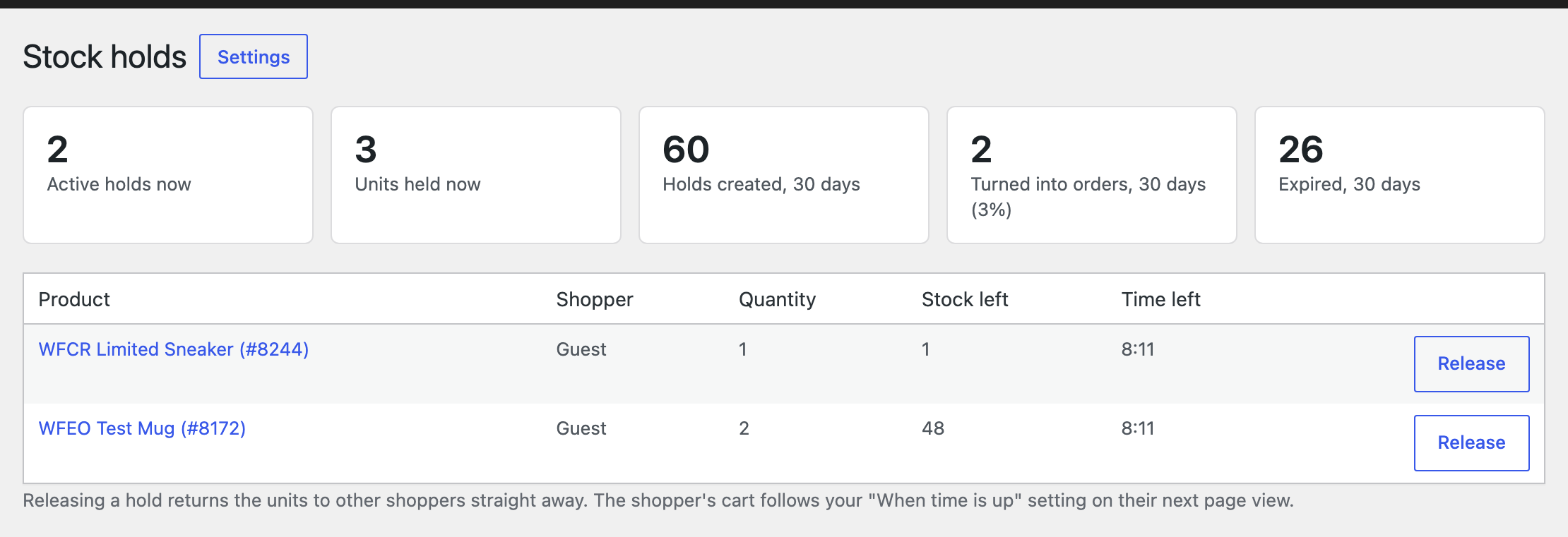
Settings are under WooCommerce, Settings, Stock Holds.
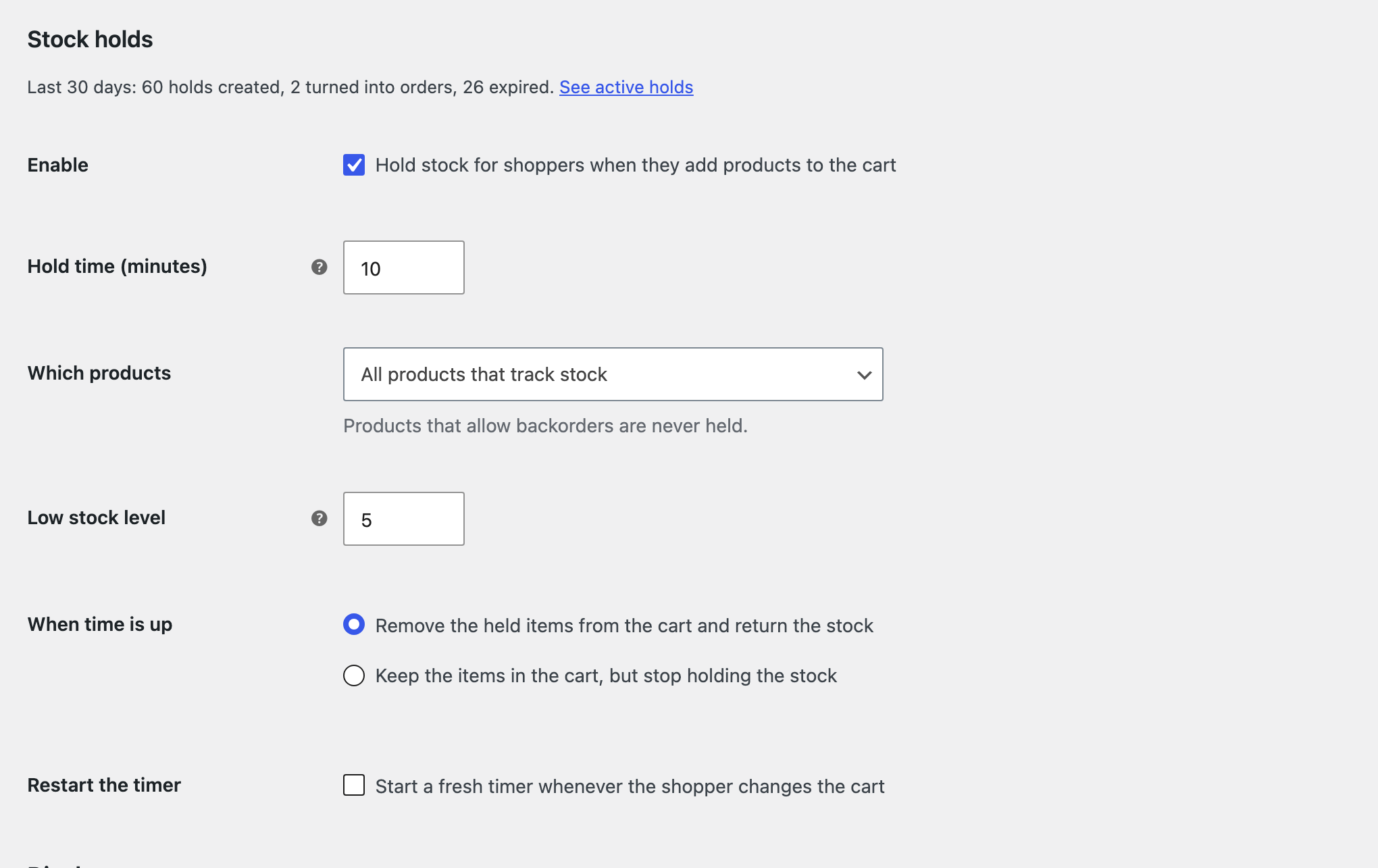
| Setting | What it does |
|---|---|
| Hold time | Minutes the stock stays reserved after add to cart. |
| Which products | All tracked products, only low stock (with your threshold), or only ticked products. |
| When time is up | Remove the held items and return the stock, or keep the items without the hold. |
| Restart the timer | Start a fresh timer whenever the shopper changes the cart. |
| Display | Countdown on the cart, checkout and mini cart, its text and colours, the product page message and the messages when time is up. |
| Advanced | Cleanup interval, roles that never get holds, and removing all data on uninstall. |
WooCommerce, Stock holds