
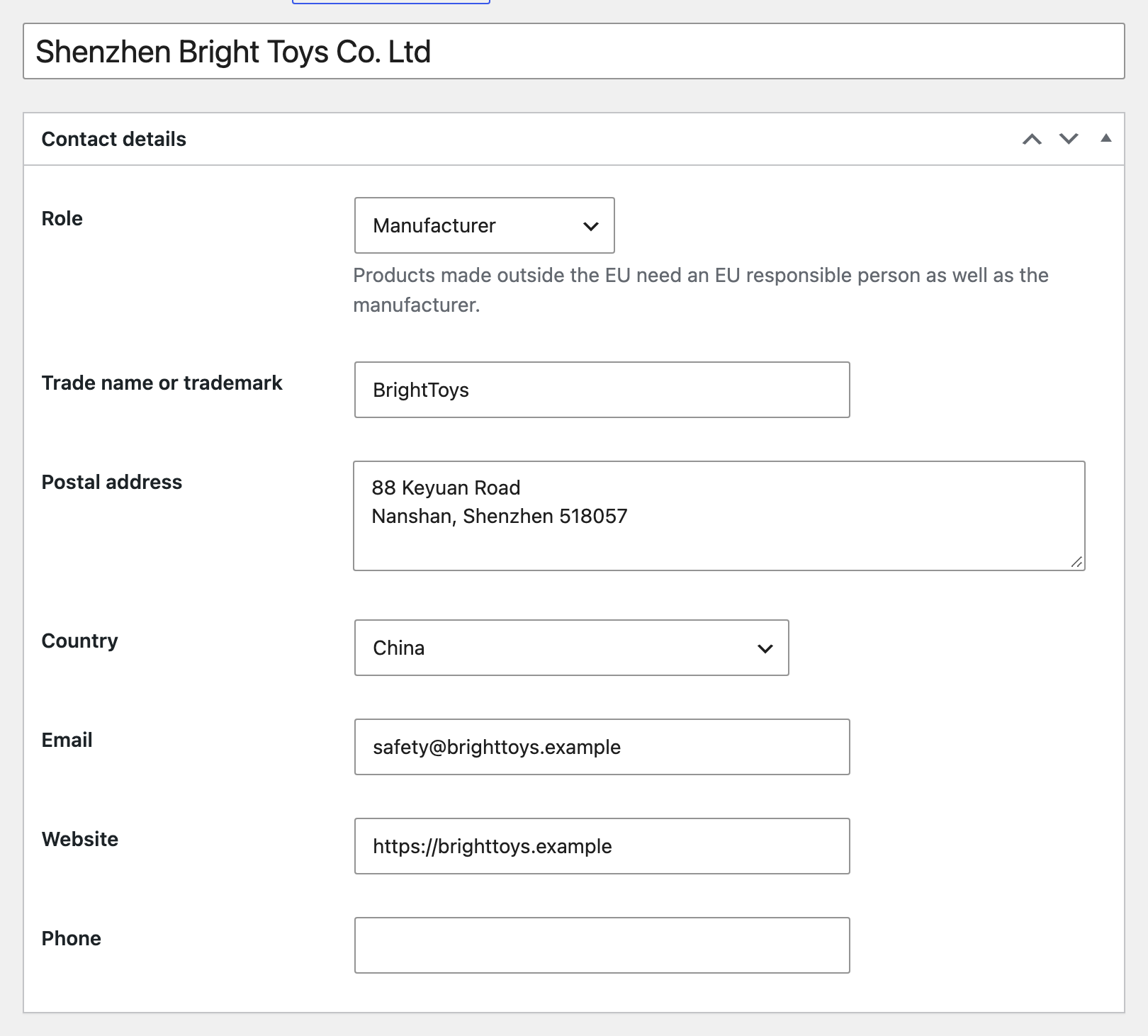
- Add each manufacturer once with address and country. For manufacturers outside the EU, also add the EU responsible person.
- Add shared safety warnings, for example Small parts or Hot liquids.
- Edit a brand or category and pick its manufacturer, responsible person, importer and warnings. Every product in it uses them.
- Set shop defaults under WooCommerce, Settings, GPSR for anything not covered.
- Give single products their own values only where they differ.
Order used for every value: variation, product, brand, category, shop default. The first one found wins.